Arkreen Staking Guide
1. Withdrawing AKRE
Please note that only the AKRE tokens in your wallet can be used for staking. To participate in staking, you must first complete the AKRE withdrawal process.
Follow AKRE withdrawal guidelines here.
2. Stake Your AKRE
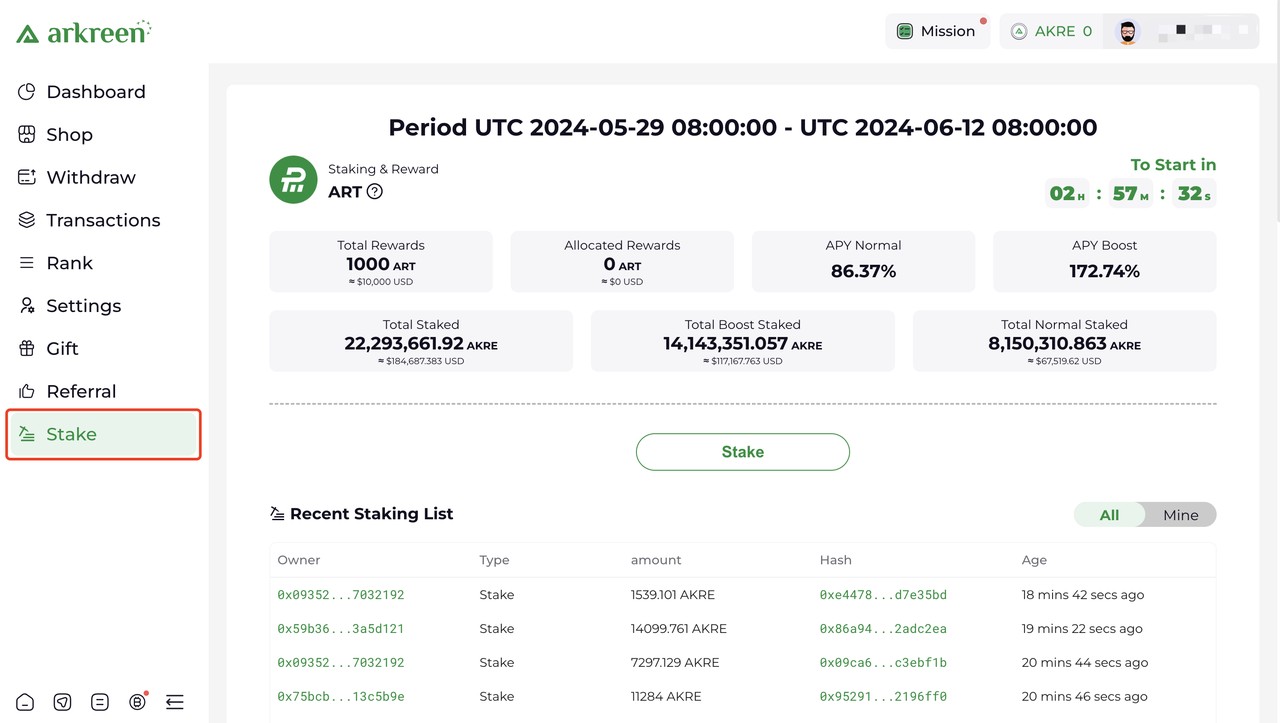
- In the side menu, locate and select Stake (https://console.arkreen.com/staking).
- Click the Stake button
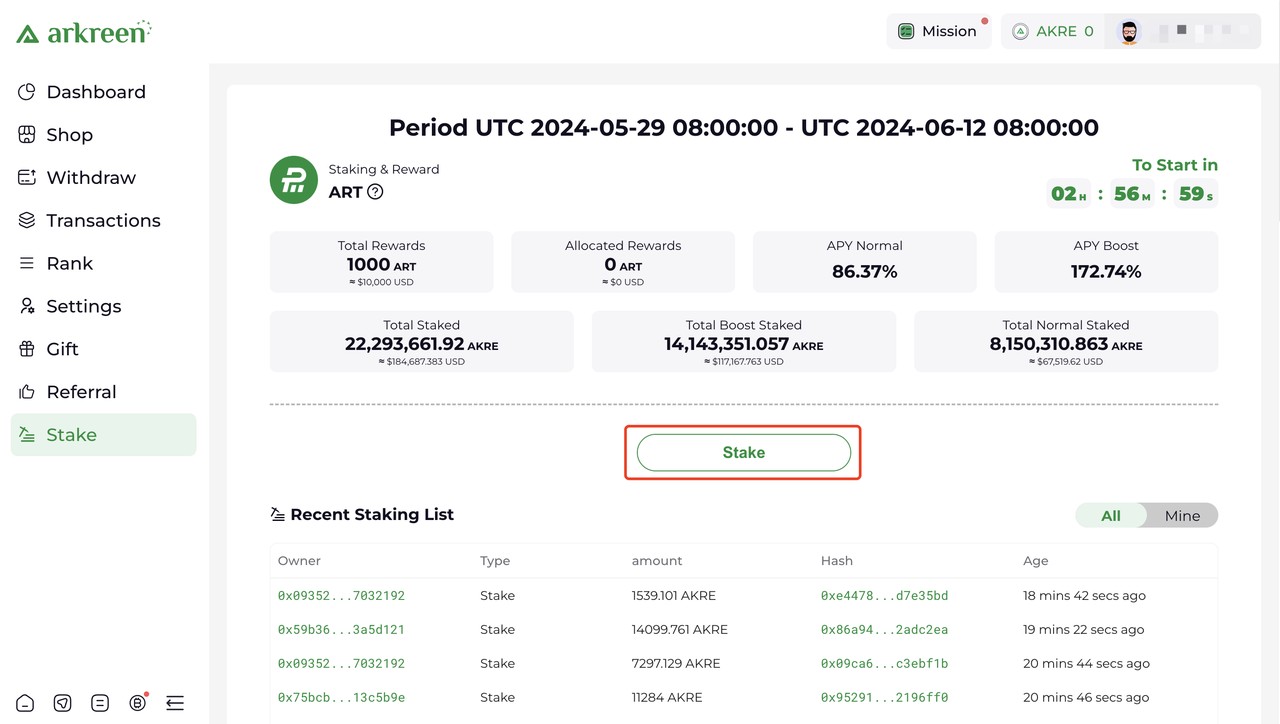
- Enter the amount of AKRE you want to stake in the input box, then click the Stake button.

After successful staking, you can see the details of stake position.
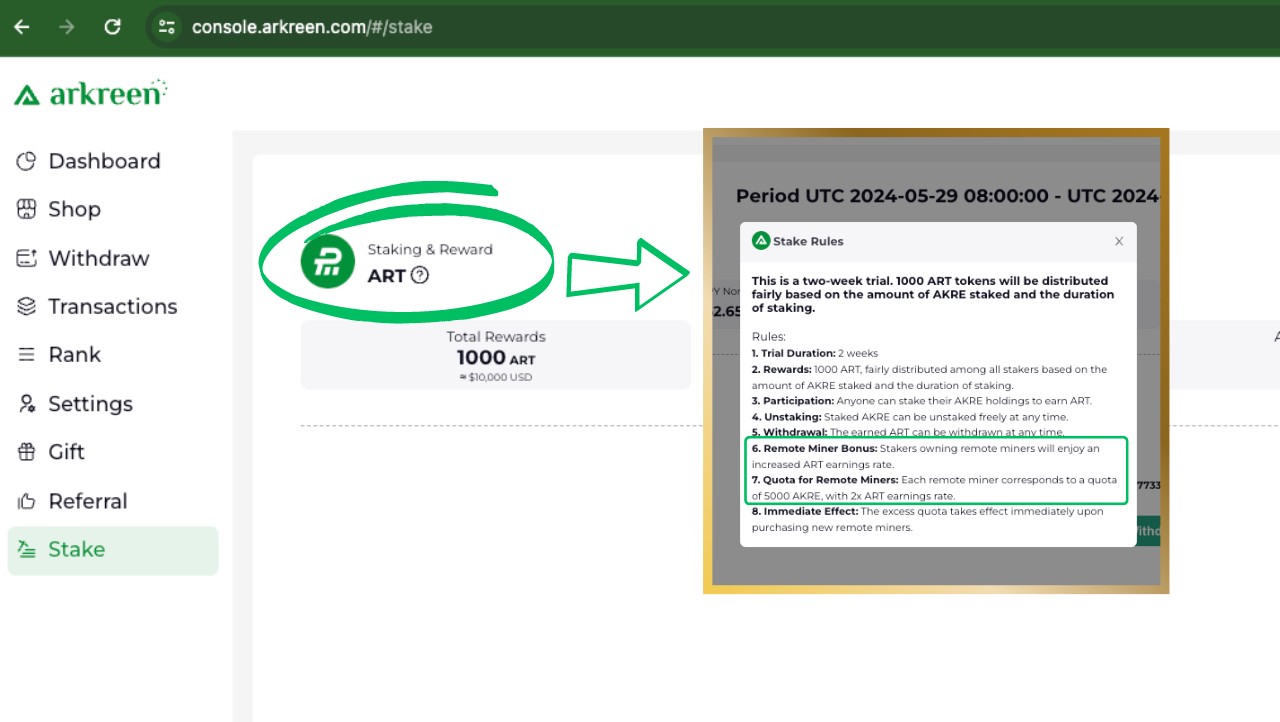
In this example, please be aware that there is a total of 893,237.904 AKRE staked. With the boost effect highlighted in the green box, stakers who own Remote Miners will enjoy an increased AKRE earnings rate. In the example, with 148 remote miners, 740,000 AKRE in this staking pool are getting extra boosts.

3. Unstake
- Click the Unstake button.
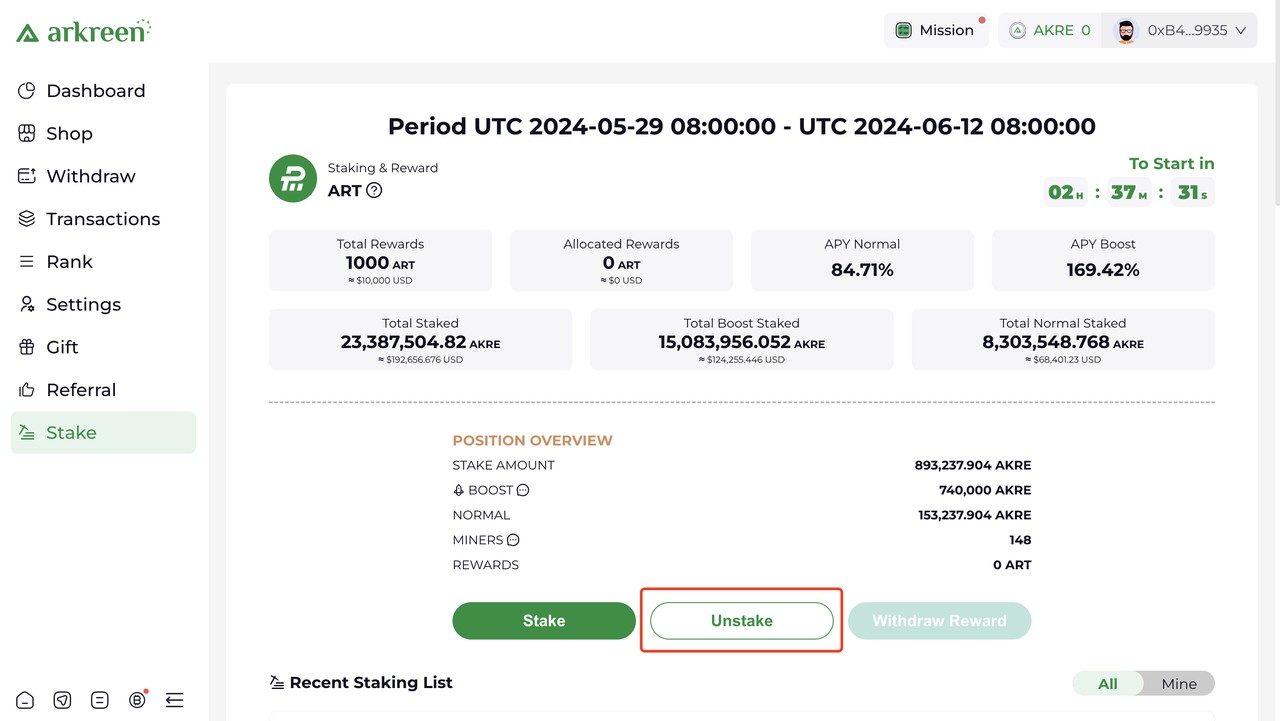
- Enter the amount of AKRE you want to unstake in the input box, then click the Unstake button.

4. Collect Reward
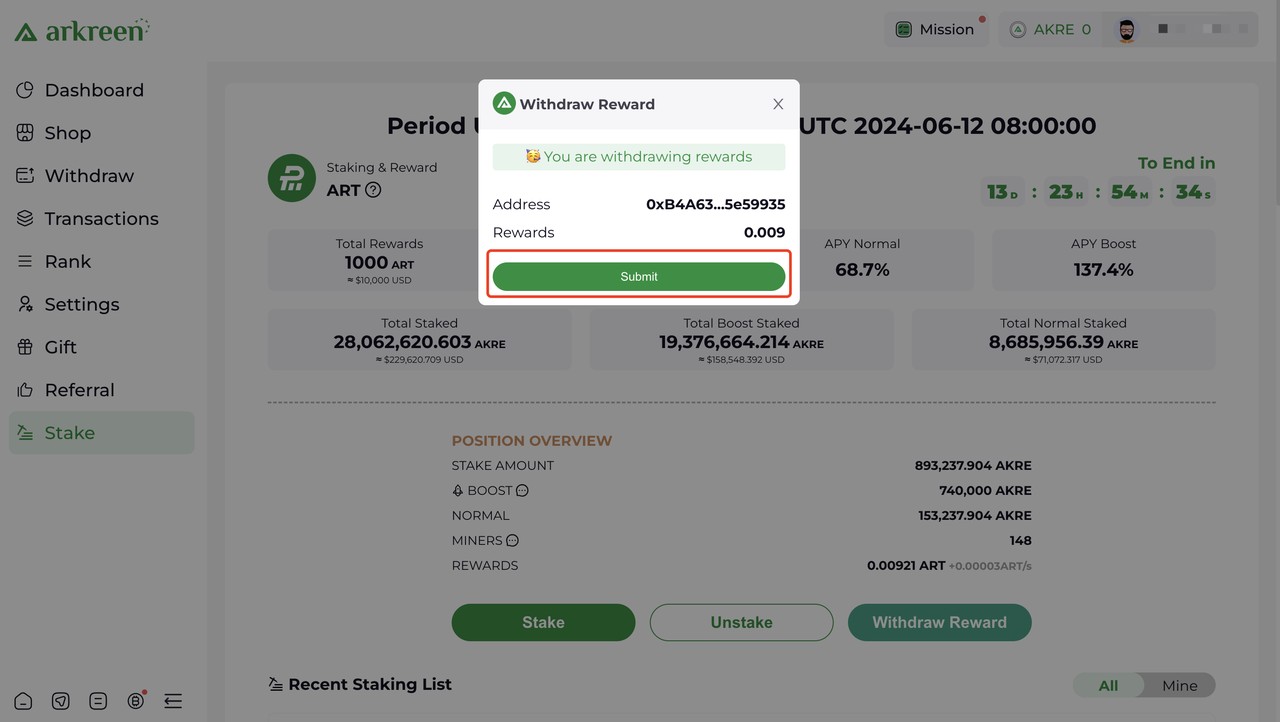
- To withdraw you rewarded AKRE, click the Collect Reward button.
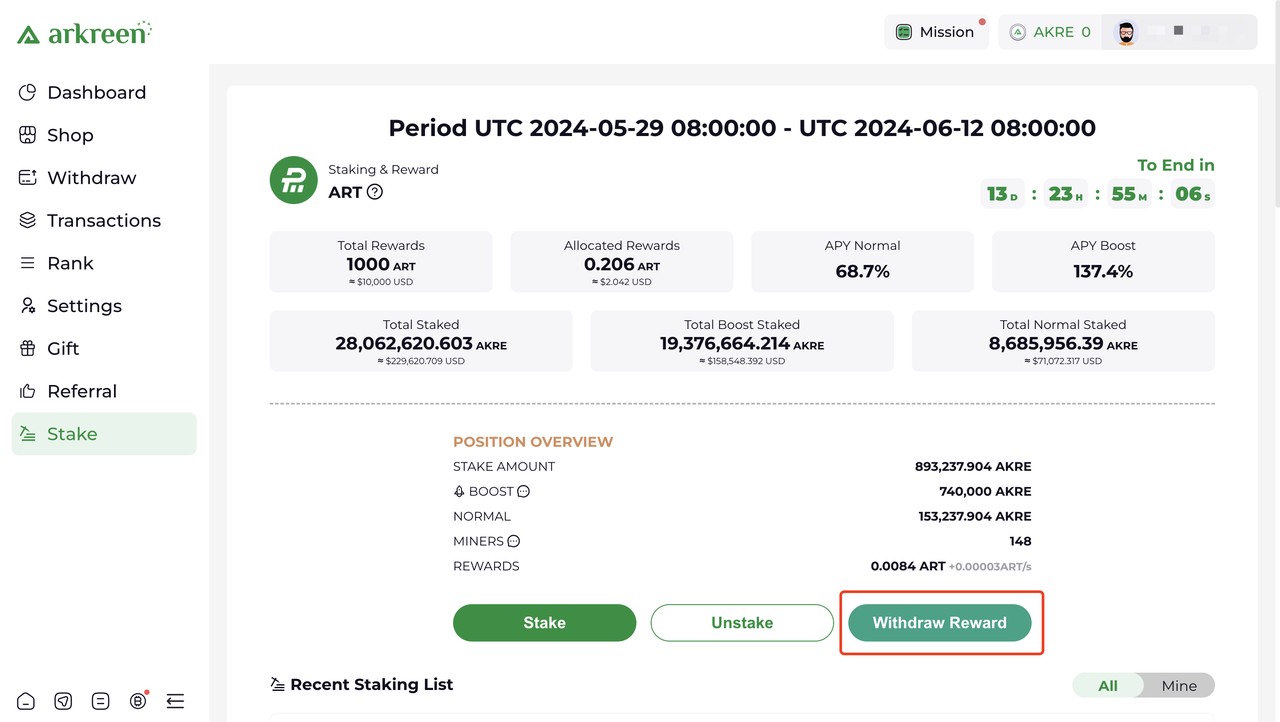
- Click Submit button, pay the gas fee, and wait for the transaction to the polygon.